
Online hairstyle simulators are multiplying, driven by increasingly powerful generative AI engines. Their promise is simple: test a cut, a color, or a texture on your own face without touching a pair of scissors. But not all tools are created equal.
Rendering speed, realism of the result, respect for facial morphology, protection of personal data: the differences are significant from one platform to another. This article measures these differences to help you choose before heading to the hairdresser.
Comparison of online hairstyle simulators: features and limitations
Rather than listing app names without a framework for understanding, a summary table allows for a quick identification of what distinguishes the main hairstyle testers available without downloading.
| Criteria | Fotor | PerfectCorp (YouCam) | Airbrush | Lovart |
|---|---|---|---|---|
| Free access | Yes (with limits) | Yes (trial) | 7-day trial | Yes (trial) |
| Face shape adaptation | Yes (AI) | Yes (generative AI) | Yes | Yes (MCoT Engine) |
| Color change | Yes | Yes | Yes | Yes (virtual coloring) |
| Texture change | Yes (bangs, curls, length) | Partial | Partial | Yes (smooth, wavy, curly, frizzy) |
| Simultaneous multi-style testing | Yes (3×3 grid) | No | Yes (multiple faces) | No |
| Download required | No | No | No (web) / Yes (app) | No |
The most discriminating factor remains the simulator’s ability to respect the natural hairline. Some tools overlay a generic hairstyle onto the photo, resulting in an artificial look around the temples and neck. Others, like the PerfectCorp engine, analyze the proportions of the face to adjust the volume and direction of the strands.
As detailed in Blog Beauté articles, the quality of the input selfie largely determines the realism of the result, regardless of the chosen tool.
Input photo and result realism: the factor users overlook
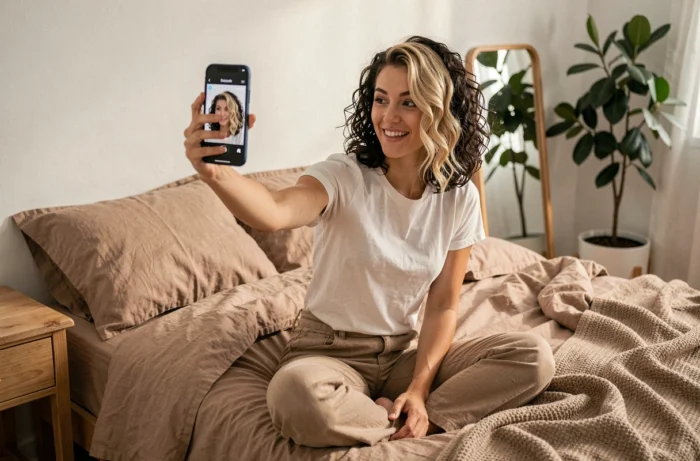
The majority of disappointments related to hairstyle simulators do not stem from the tool, but from the submitted photo. A poorly lit shot, taken at an angle, or with hair covering the forehead, skews the AI’s morphological analysis.
Criteria for a usable photo by a hairstyle tester
- Face facing forward, eyes looking straight at the camera, without glasses or accessories covering the forehead or ears
- Natural and even lighting, without strong shadows on one side of the face
- Hair pushed back from the face as much as possible, so the algorithm can detect the hairline
- Neutral and solid background, avoiding artifacts from automatic cropping
With a photo that meets these criteria, the rendering significantly gains in credibility, even on free tools. Conversely, a premium simulator fed by a blurry selfie will produce a disappointing result.
Another common pitfall: testing a cut on a photo taken several years ago. The shape of the face evolves, and the AI does not correct for this discrepancy. Using a recent shot remains the foundation of a reliable virtual try-on.
Hairstyle tester and data protection: what the European framework requires
Submitting a selfie to an online simulator means entrusting an image of your face to an AI system. This is not trivial. The Regulation (EU) 2024/1689 on AI (AI Act) now imposes transparency obligations on the publishers of these tools: the user must be informed that they are interacting with an artificial intelligence system and that the produced image has been artificially altered.
Virtual try-on functions (hairstyle, makeup, clothing) are considered sensitive uses in terms of data protection. These tools process images of the face and sometimes 3D measurements that may fall under biometrics.
Checks to perform before submitting your photo
- Does the site display a clear mention of the use of an AI system to transform the image?
- Does the privacy policy specify the duration of storage of your selfie and any sharing with third parties?
- Does the tool offer an option for immediate deletion of the photo after the simulation?
The CNIL has published practical sheets for developing AI systems compliant with GDPR. A simulator that does not mention either AI or image retention is not compliant with the current European framework. This criterion deserves to be included in your selection criteria alongside the realism of the rendering.
Cut, color, texture: prioritize your trials for a usable result
Testing twenty hairstyles in three minutes provides immediate satisfaction but doesn’t really guide the decision. A more methodical approach is to separate the variables: first the length and structure of the cut, then the color, and finally the texture.
Starting with the cut allows you to assess whether the overall volume suits the shape of the face. Adding color to a cut that doesn’t work muddles the judgment. Once the hair silhouette is validated, testing two or three shades on that same cut provides a clear comparison.
The texture (smooth, wavy, curly) comes last. It alters the perceived volume and can radically change a short cut. A sleek bob and the same bob in a wavy version produce entirely different visual effects.
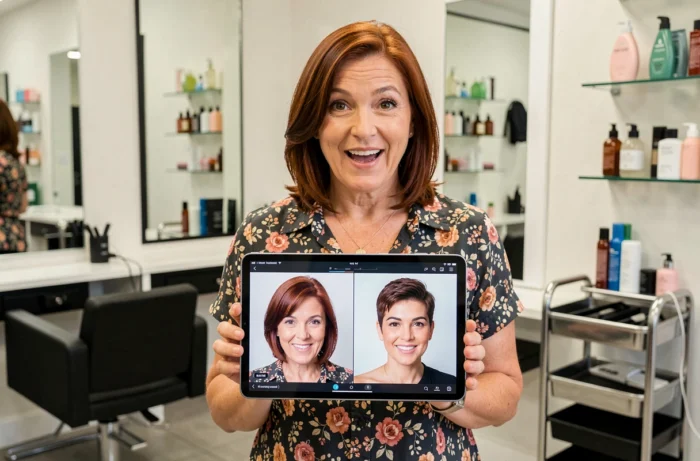
Saving each combination as a screenshot facilitates discussion with the hairdresser. Presenting three variants sorted by preference is better than an album of fifty random trials.
Online hairstyle simulators offer a useful preview, not a guarantee. The final result depends on the actual nature of your hair, its thickness, and its hold. Keeping this limitation in mind transforms the tool into a concrete ally rather than a source of frustration on the day of the salon appointment.